APPEARANCE: Styles
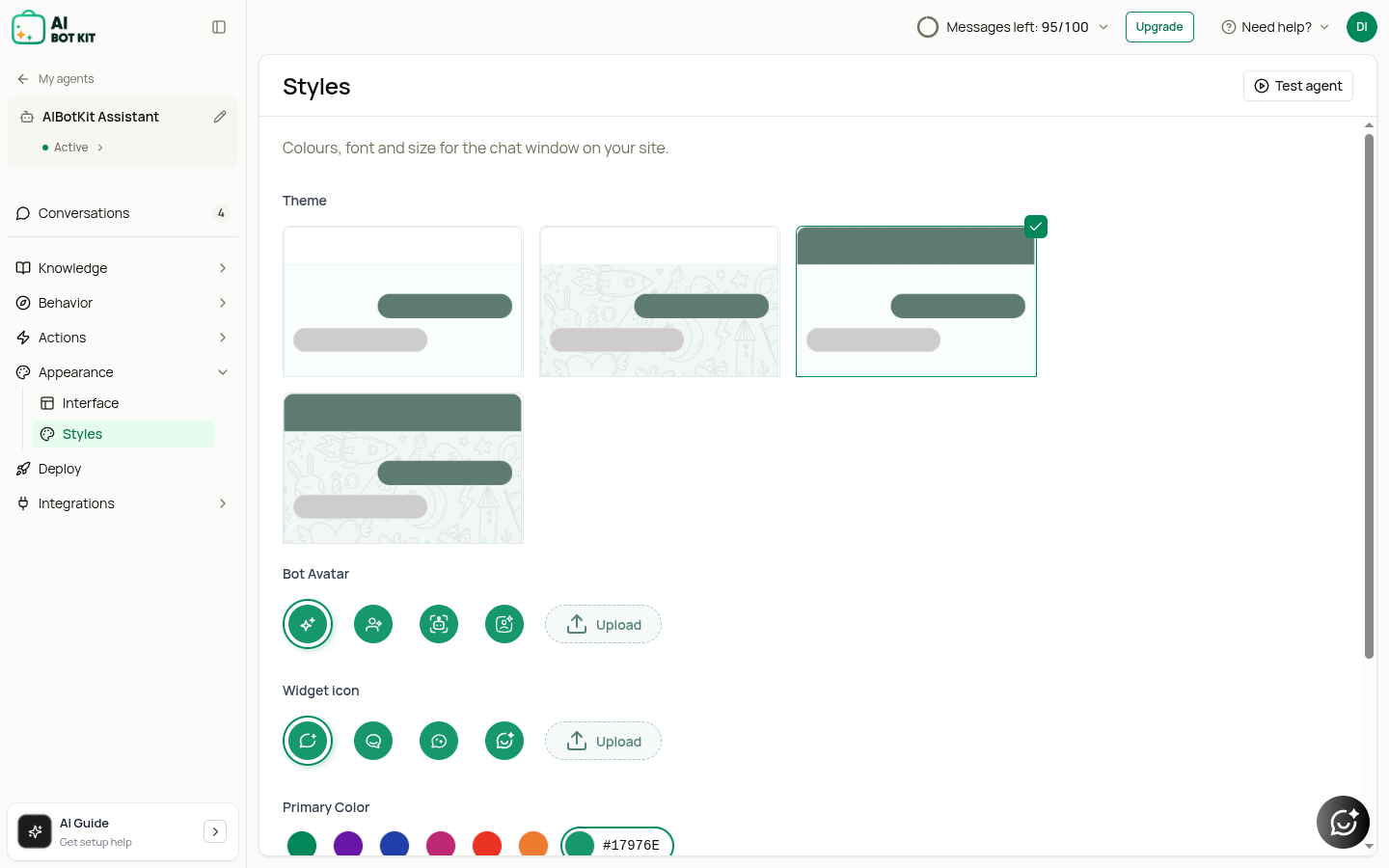
The Styles section is where you design the look and feel of your chatbot widget.
- Theme Selection: Choose from multiple chat window layouts.
- Bot Avatar: Select or upload a custom image/icon to represent your bot.
- Widget Icon: Choose the button design that triggers the chatbot.
- Primary Color: Adjust colors to match your brand (with gradient option).
- Font & Size: Customize text style for consistency with your website.
- Position on Screen: Place the chatbot in the bottom-left or bottom-right corner.
This section ensures your chatbot visually blends with your website design and brand identity.