Getting Your Embed Code
Once your chatbot is set up, the final step is to make it visible on your website. AI Bot Kit provides a simple code snippet that you can copy and paste directly into your site.
Getting Your Embed Code
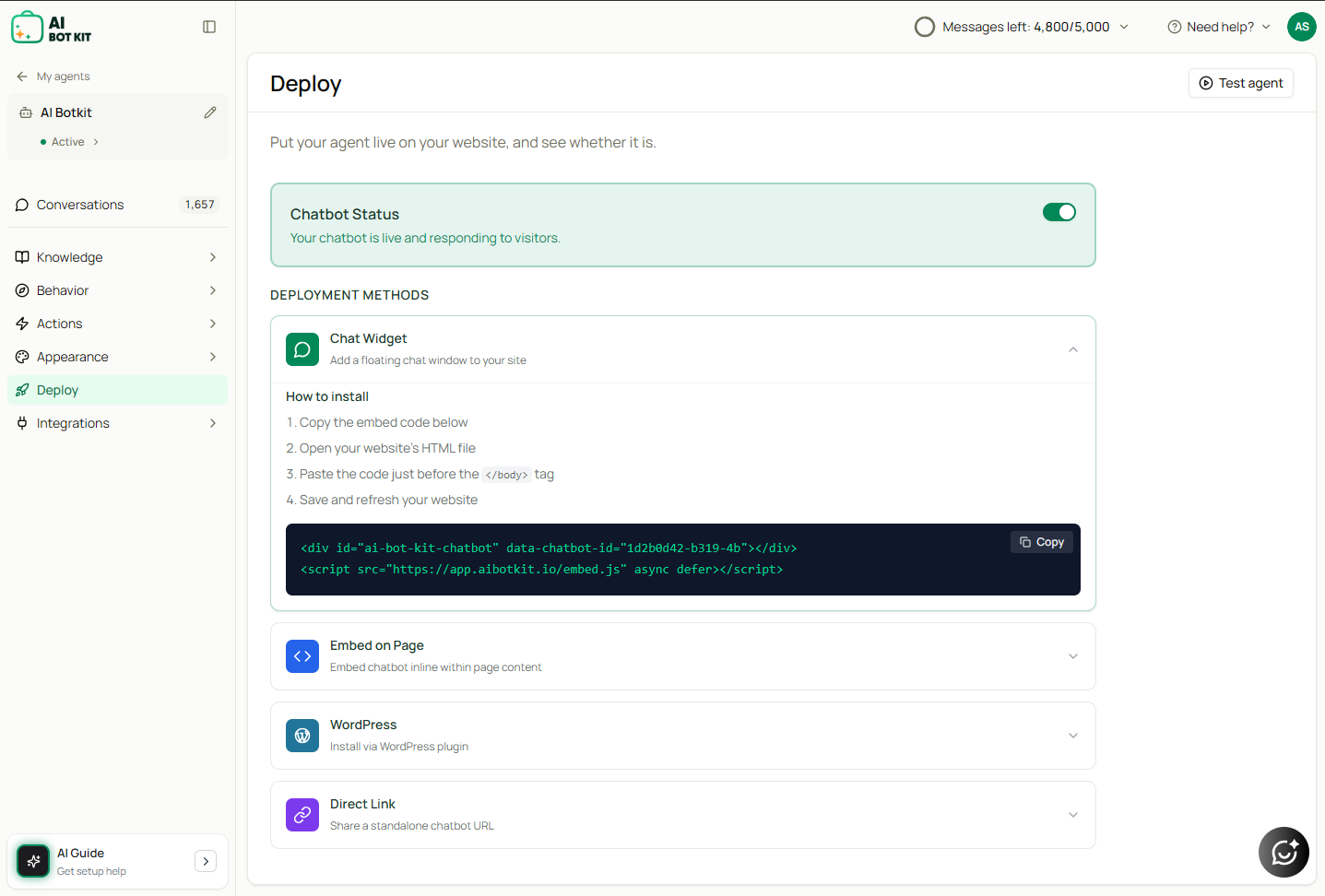
- After saving your chatbot, go to DEPLOY → Publish.
-
Under Chat Widget, you’ll see a code snippet like this:
-
Click Copy Code to copy the snippet.
- Paste this code into the
<head>or<body>section of your website’s HTML.- For site-wide installation, place it in the global header/footer section.
- For a single page, paste it into that page’s custom HTML block.
💡 Tip: If your site uses a website builder (like Squarespace, Wix, or Shopify), add the embed code using the “Embed” or “Custom Code” block.
Share Link
AI Bot Kit also provides a direct share link to your chatbot.
- Click View Link to open your bot in a new tab.
- Use Copy Link to share your bot via email, social media, or with your team.
WordPress Plugin (Optional)
For WordPress users, a dedicated plugin is available:
- Select the WordPress deployment method on the Publish page.
- Install the AI BotKit plugin on your WordPress dashboard and connect your account.
⚡ In Short: Copy the embed code → Paste it into your website → Save changes → Your chatbot goes live instantly.